Unplugged, Yet Connected: Your Ultimate Guide to Free Wi-Fi Anywhere You Roam!
I remember it like it was yesterday: standing on a cobblestone street in Rome, the sun beating down, a pit forming in my stomach. My phone battery was at 5%, Google Maps refused to load, and the directions to my hostel were a jumbled mess of Italian words I didn’t understand. I felt utterly, terrifyingly alone – and disconnected. No Wi-Fi, no way to contact anyone, no hope of finding my way. That day, I vowed never to be caught in a digital desert again.
Fast forward years later, and I’ve trekked across continents, navigated bustling megacities, and explored remote villages, all while staying seamlessly connected. And here’s the kicker: I rarely, if ever, pay for Wi-Fi.
This isn't about being cheap; it's about being smart, resourceful, and ensuring you can share that breathtaking sunset from Santorini, find the best street food stall in Bangkok, or simply call home without a second thought. It’s about experiencing the world to its fullest, without the anxiety of being cut off.
So, ditch the expensive roaming plans and say goodbye to overpriced hotel Wi-Fi. Welcome to your ultimate guide to unlocking free Wi-Fi anywhere in the world – a skill you absolutely need to master before you die. Let's get connected!
---
Section 1: The Obvious (and Not-So-Obvious) Public Hotspots – Your First Line of Defense
When you’re on the hunt for free Wi-Fi, sometimes the answer is right in front of you. But knowing where to look, and how to maximize those opportunities, is key.
Cafes & Restaurants: The Universal Lifeline
This is the most classic and often the most reliable method. From a tiny, charming cafe in Paris to a bustling kopitiam in Singapore, the "Wi-Fi" sticker is your beacon.
- Global Chains: Starbucks, McDonald's, Burger King – these aren't just for quick bites; they're global Wi-Fi havens. Their networks are usually stable, and you can often connect for free with a small purchase (or sometimes, no purchase at all). I've spent countless hours in Starbucks, nursing a single coffee while uploading photos and planning my next leg of the journey.
- Local Gems: Don't shy away from local cafes. In Europe, especially, the cafe culture means Wi-Fi is almost a given. In many parts of Southeast Asia, you'll find "digital nomad cafes" specifically catering to remote workers, offering strong, fast connections. Anecdote: My most memorable Wi-Fi discovery was in a tiny, family-run bakery in Lisbon. The smell of fresh pastries, a strong espresso, and a rock-solid connection that let me video call my family back home – pure bliss!
- Tip: Look for the Wi-Fi symbol or ask politely, "Do you have Wi-Fi?" (or "Wi-Fi, por favor?" in Spanish-speaking countries). Often, the password is on the menu, a small sign, or the staff will happily provide it.
Hotels & Hostels: More Than Just a Bed
Even if you're not a guest, many hotels and hostels offer free Wi-Fi in their lobbies or common areas.
- Lobby Lurking: Some hotels have open networks, others require a password. Politely ask the front desk if they have a "guest Wi-Fi" or "lobby Wi-Fi" password. I've often found success just sitting in a comfy lobby chair, pretending to wait for someone, and connecting to an open network. Hostels are even better – their common rooms are designed for travelers to connect, both socially and digitally.
- The "I'm Thinking of Staying Here" Trick: If you're really stuck, walk in and ask about room rates for a future date. While you're "browsing," you might find an open network or see a password displayed.
Airports, Train Stations & Bus Terminals: Transit Connectivity
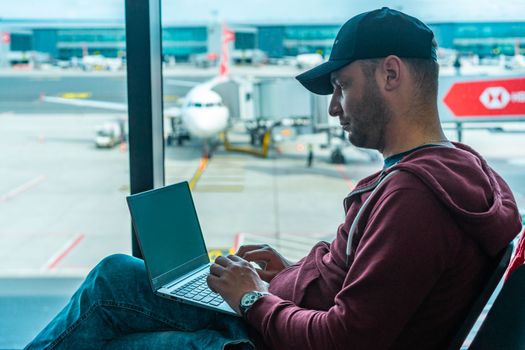
These transport hubs often provide free Wi-Fi, though sometimes with time limits.
- Limited Access: Many airports (like London Heathrow or Singapore Changi) offer 1-3 hours of free Wi-Fi. If you need more, try connecting with a different device, or in some cases, you can "extend" your session by re-registering with a different email address. Some tech-savvy travelers even spoof their device's MAC address to get a fresh session (more on this later!).
- Lounges: If you have lounge access (via a credit card or specific airline ticket), their Wi-Fi is usually much faster and more secure.
Libraries & Public Buildings: The Unsung Heroes
These are often overlooked but can be a goldmine for stable, fast, and completely free Wi-Fi.
- Local Libraries: Public libraries are fantastic resources. They're quiet, often have comfortable seating, and provide excellent internet access. Anecdote: I once spent an entire rainy afternoon in a stunning public library in Copenhagen, not only getting work done but also marveling at the architecture. It felt like a cultural experience in itself.
- Government Buildings/Tourist Info Centers: Many city halls, cultural centers, and especially tourist information offices offer free Wi-Fi. They want you to stay connected and explore!
Shopping Malls & Department Stores: Retail Therapy & Wi-Fi
Large shopping centers almost universally offer free Wi-Fi to attract customers. Pop in, browse a bit, and connect. This is particularly useful in places like Dubai or major cities in the US.
---
Section 2: Apps & Tools: Your Digital Wi-Fi Detective Kit
Why wander aimlessly when you can have a digital guide? These apps are essential for any Wi-Fi hunter.
Wi-Fi Finder Apps: Crowdsourced Connectivity
These apps rely on user contributions to map out Wi-Fi hotspots and, crucially, share passwords. Download them before you leave a known Wi-Fi spot so you can use them offline.
- WiFi Map: This is my absolute go-to. It boasts millions of hotspots worldwide, with user-contributed passwords. You can download entire city maps for offline use. Personal Story: I was utterly lost in a small town in rural Vietnam, needing to contact my guesthouse. WiFi Map pointed me to a tiny noodle shop a block away, where I found the password and saved my evening. It felt like finding a hidden treasure!
- Wiman: Similar to WiFi Map, Wiman also offers a vast database of hotspots and offline maps.
- Instabridge: Another popular option, Instabridge automatically connects you to free Wi-Fi hotspots and shows nearby Wi-Fi networks and their passwords.
Offline Maps: Your Lifeline Without a Connection
Before you even think about hunting for Wi-Fi, ensure you have offline maps downloaded. These will save you from getting truly lost.
- Google Maps: You can download specific areas or entire cities for offline navigation. Just search for the area, then tap the menu icon and select "Offline maps."
- Maps.me: This app is fantastic for detailed offline maps, including hiking trails and points of interest that Google Maps might miss. It's often more accurate for walking directions in dense urban areas.
- Tip: Always download maps of your destination city/region while you have a stable Wi-Fi connection (e.g., at home, in your hotel room).
VPNs: Your Essential Security Blanket
Connecting to public Wi-Fi without a Virtual Private Network (VPN) is like shouting your personal information in a crowded room. A VPN encrypts your internet traffic, protecting your data from prying eyes.
- Why You Need One: Public Wi-Fi networks are notorious for security vulnerabilities. Hackers can easily intercept your data, including passwords, banking details, and personal messages. A VPN creates a secure tunnel for your data.
- Recommendations: I personally use NordVPN, but ExpressVPN and Surfshark are also highly reputable. They're affordable and offer servers in hundreds of locations, allowing you to bypass geo-restrictions and access content from your home country too. Anecdote: I once needed to access my banking app while in a busy Bangkok market. Thanks to my VPN, I felt confident my information was secure, even on a potentially dodgy public network.
- Tip: Always turn on your VPN before connecting to any public Wi-Fi network.
---
Section 3: The Art of the Ask & Local Connections – Human Ingenuity
Sometimes, the best technology is a friendly smile and a polite question. Don't underestimate the power of human connection in your Wi-Fi quest.
Asking Locals: Embrace the Local Hospitality
People are generally kind and willing to help. If you're in a pinch, don't be shy!
- Learn the Basics: A simple "Excuse me, do you have Wi-Fi?" or "Wi-Fi password, please?" in the local language can work wonders. In Japanese, "Sumimasen, Wi-Fi arimasu ka?" or "Wi-Fi pasuwādo wa?" In Spanish, "Disculpe, ¿tienes Wi-Fi?" or "¿Cuál es la contraseña de Wi-Fi?"
- Target Wisely: Small, independent shops, family-run restaurants, or even fellow travelers are often more approachable than large corporate establishments. Anecdote: In Kyoto, I needed to confirm a temple's opening hours and my phone was dead. A kind shopkeeper saw my distress, offered me a seat, and even shared her personal Wi-Fi hotspot from her phone so I could look it up. It was a beautiful moment of unexpected generosity.
Tourist Information Centers: More Than Just Maps
These centers are designed to help travelers, and that often includes providing free Wi-Fi.
- Reliable & Safe: Tourist info centers usually have secure, fast Wi-Fi and are great places to recharge your devices, grab maps, and ask for local recommendations.
Community Wi-Fi Initiatives: City-Wide Connectivity
Many cities worldwide are investing in free public Wi-Fi networks as a public service.
- Spot the "Free Wi-Fi" Signs: Look for official city networks like "Free Wi-Fi" in New York City, "BT Wi-Fi" in the UK, or "FON" networks across Europe.
- How to Access: Sometimes you need to register with an email, other times it's a simple click-to-connect. Be mindful of potential security risks (and use your VPN!).
Befriending Other Travelers: The Buddy System
Hostels, common areas, and even tour groups are great places to meet fellow adventurers.
- Share the Love: If someone has a local SIM card or a portable hotspot, they might be willing to share their connection for a few minutes. You can return the favor by sharing your Wi-Fi finds or offering to buy them a drink. Anecdote: While backpacking through Peru, a fellow traveler's phone battery died just as we needed to book a last-minute bus ticket. I tethered my phone to hers, and we managed to snag the last two seats. We celebrated with a shared meal and became fast friends.
---
Section 4: Advanced Strategies & Ethical Hacking – The Pro Traveler Moves
Ready to level up your Wi-Fi game? These tactics require a bit more savvy but can be incredibly rewarding.
Tethering / Hotspotting (Your Backup Plan)
While not "free Wi-Fi," having a local SIM card with data and using your phone as a personal hotspot is a fantastic backup.
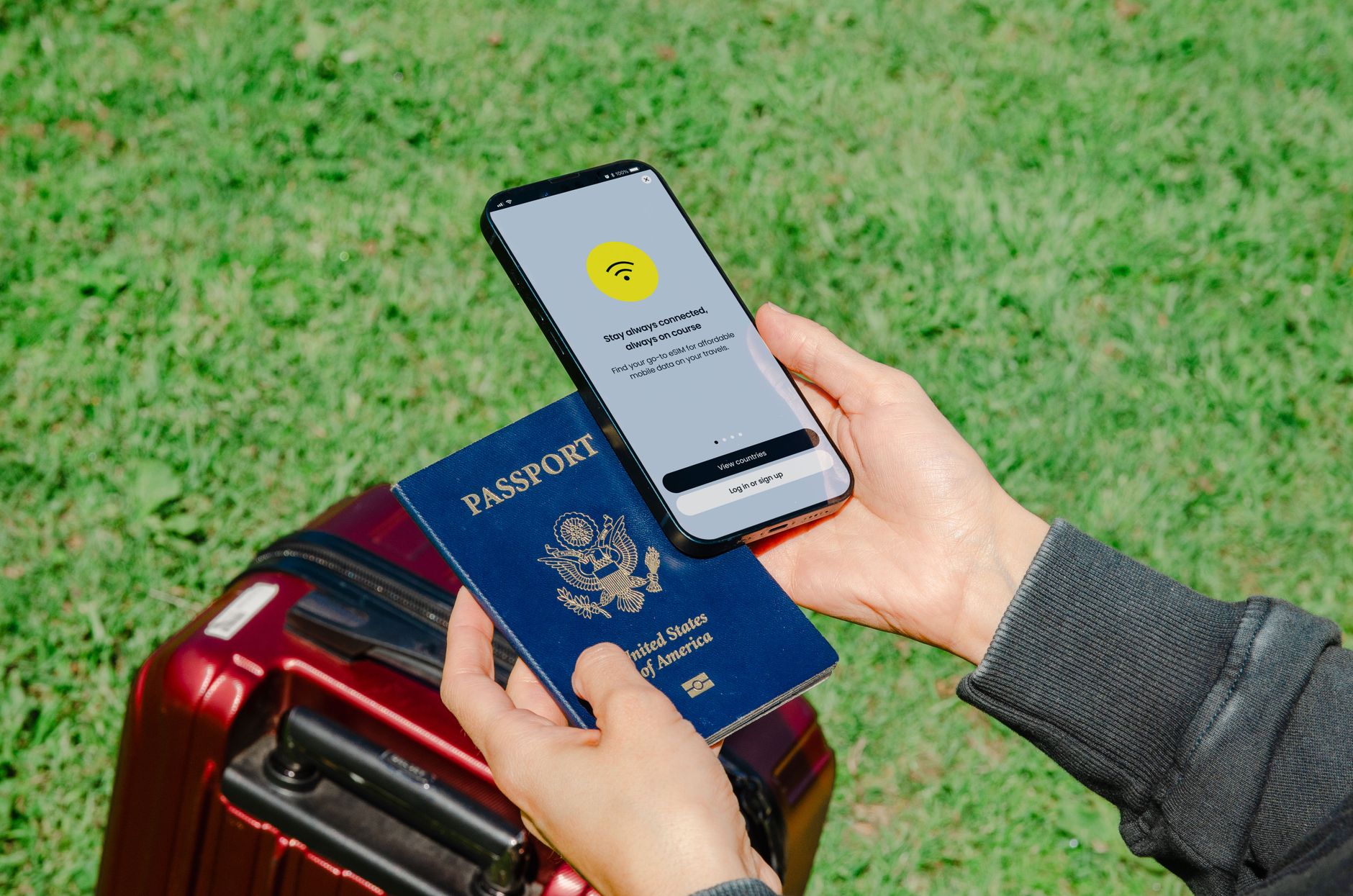
- Local SIM Cards: In many countries (especially in Southeast Asia, Eastern Europe, and South America), local SIM cards with generous data plans are incredibly cheap. For example, in Thailand, you can get a SIM with unlimited data for a week for under $10 USD.
- Check Your Plan: Before you travel, check if your home country's mobile plan offers affordable international roaming or data packages. Some providers (like T-Mobile in the US) offer free or very cheap global data, which can be a lifesaver.
- Portable Wi-Fi Hotspots/Travel Routers: Devices like Skyroam or GlocalMe allow you to purchase data plans and create your own Wi-Fi hotspot anywhere. They're not free, but they can be a cost-effective solution for digital nomads or groups traveling together.
Wi-Fi Password Guessing: The Educated Guess
It sounds rudimentary, but sometimes it works! Many small businesses don't change default router passwords or use simple, memorable ones.
- Common Passwords: Try "admin," "password," "12345678," "guest," or the name of the establishment. Sometimes, the last four digits of their phone number or a significant date (like their opening year) are used.
- Ethical Use: This is for when you're genuinely stuck and have permission to try (e.g., you've bought something and they "forgot" the password). Never try to crack secure networks or exploit vulnerabilities.
MAC Address Spoofing (For the Tech-Savvy)
Some public Wi-Fi networks (especially in airports or hotels) offer free Wi-Fi for a limited time per device. Your device is identified by its unique MAC (Media Access Control) address.
- How it Works: By changing your device's MAC address, the network sees you as a "new" device, often granting you another free session.
- Caution: This is more advanced and varies by device (iOS, Android, Windows, Mac all have different methods). A quick Google search for "how to change MAC address [your device]" will usually provide instructions. Use this sparingly and ethically.
"Hidden" Networks: Ask and You Shall Receive
Sometimes, a business might have a Wi-Fi network that isn't publicly broadcasted.
- Just Ask: If you see staff using laptops or tablets, it's worth asking if they have a Wi-Fi network you can use. They might provide access to a private, more stable network.
---
Section 5: Safety & Security: Don't Get Caught Off Guard
While free Wi-Fi is a blessing, it comes with risks. Protect yourself from potential threats.
Always Use a VPN (We Can't Stress This Enough!)
Seriously, if you take one piece of advice from this entire guide, it's this. A VPN is your digital bodyguard on public networks. It encrypts your data, making it unreadable to anyone trying to snoop.
Be Wary of Sensitive Transactions
Avoid doing online banking, making purchases, or logging into highly sensitive accounts (like email or social media where you store personal info) on public Wi-Fi, even with a VPN, if possible. If you absolutely must, ensure your VPN is active and check for "https://" in the website address.
Check for "https://"
Always look for "https://" at the beginning of a website's URL. The "s" stands for "secure" and means the connection between your browser and the website is encrypted. If it's just "http://", your data is not protected.
Disable Auto-Connect
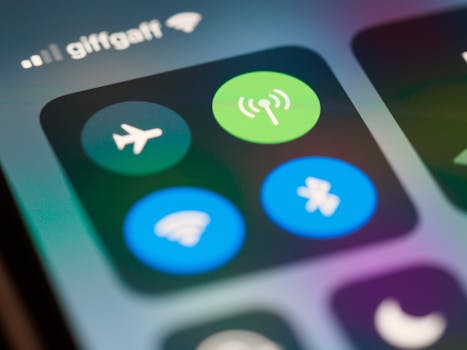
Prevent your phone from automatically connecting to any available Wi-Fi network. This stops it from joining potentially malicious or unsecured networks without your explicit permission. Go into your Wi-Fi settings and toggle off "Auto-join Hotspot" or similar options.
Keep Software Updated
Ensure your operating system, web browser, and all apps are up to date. Software updates often include security patches that protect against new vulnerabilities.
The "Evil Twin" Attack: Stay Vigilant
Be aware of "evil twin" Wi-Fi networks. These are fake networks set up by hackers that mimic legitimate ones (e.g., "Airport_Free_Wi-Fi" instead of "Airport_Official_Wi-Fi"). If you connect, they can steal your data.
- How to Avoid: Always confirm the exact name of the official network from a reliable source (e.g., airport information desk, cafe staff). If a network seems too good to be true, or asks for excessive personal information upfront, be suspicious.
---
Conclusion: Connect, Explore, Share, Repeat!
From that terrifying moment in Rome to countless successful Wi-Fi hunts across the globe, I've learned that free Wi-Fi isn't just a luxury – it's a vital tool for the modern traveler. It empowers you to navigate unfamiliar streets, discover hidden gems, connect with locals, and most importantly, share your incredible journey with the world.
You now have the arsenal: the knowledge of where to look, the apps to guide you, the confidence to ask, and the smarts to stay safe. Becoming a Wi-Fi warrior means more than just saving a few bucks; it means experiencing true freedom on the road, knowing you're always just a few taps away from the information or connection you need.
So, go forth, explore, and connect! What's your most memorable "free Wi-Fi save" story? Did a clever hack get you out of a sticky situation, or did a kind stranger become your Wi-Fi hero? Share your best tips and tales in the comments below! And don't forget to tag @Tripsora in your next connected adventure – we can't wait to see where you end up. Happy travels, and happy connecting!
---